Shirohane's Controller for Windows
A downloadable tool for Windows
Important: This tool requires the Shirohane Controller Plugin for VNyan
-----------------------
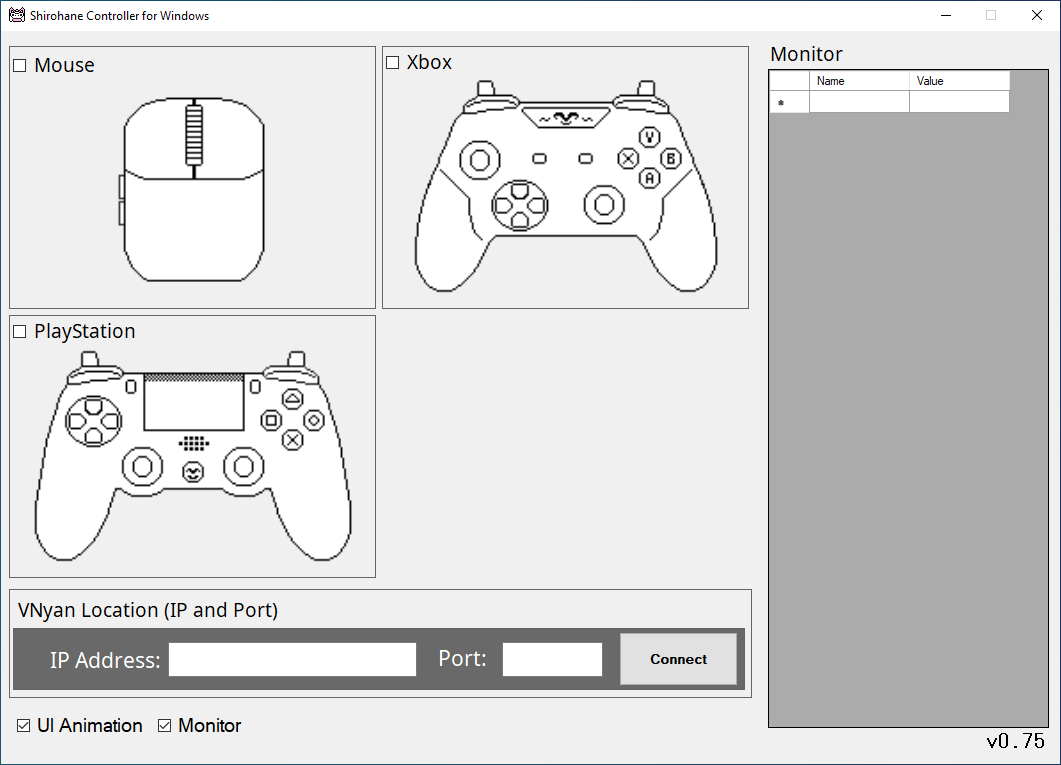
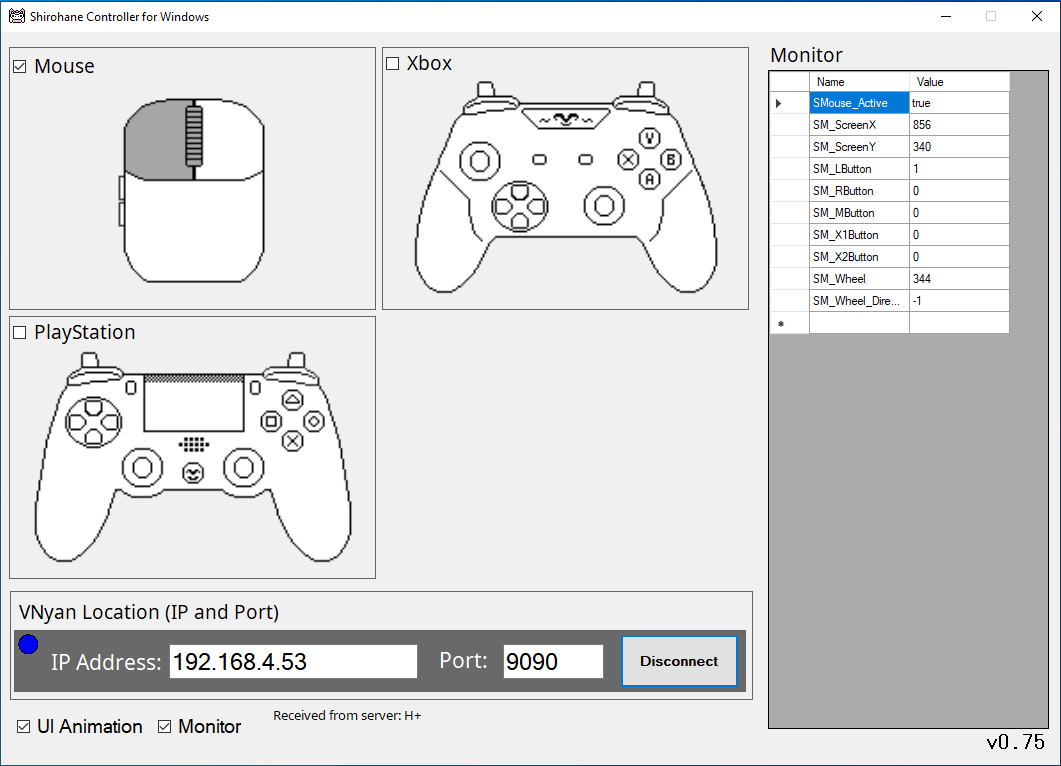
VNyan users with duel PC streaming setups will dedicate one computer to gaming, and the other to streaming/video encoding (running OBS and VNyan). Transfer controller and mouse data from your gaming PC, across a local network, to VNyan using the "Shirohane Controller for Windows" client application.
Highlights:
- A lightweight client designed to run on a dedicated Windows gaming PC.
- Transfer mouse and controller input across a local network to the "Shirohane Controller for VNyan - Receiver".
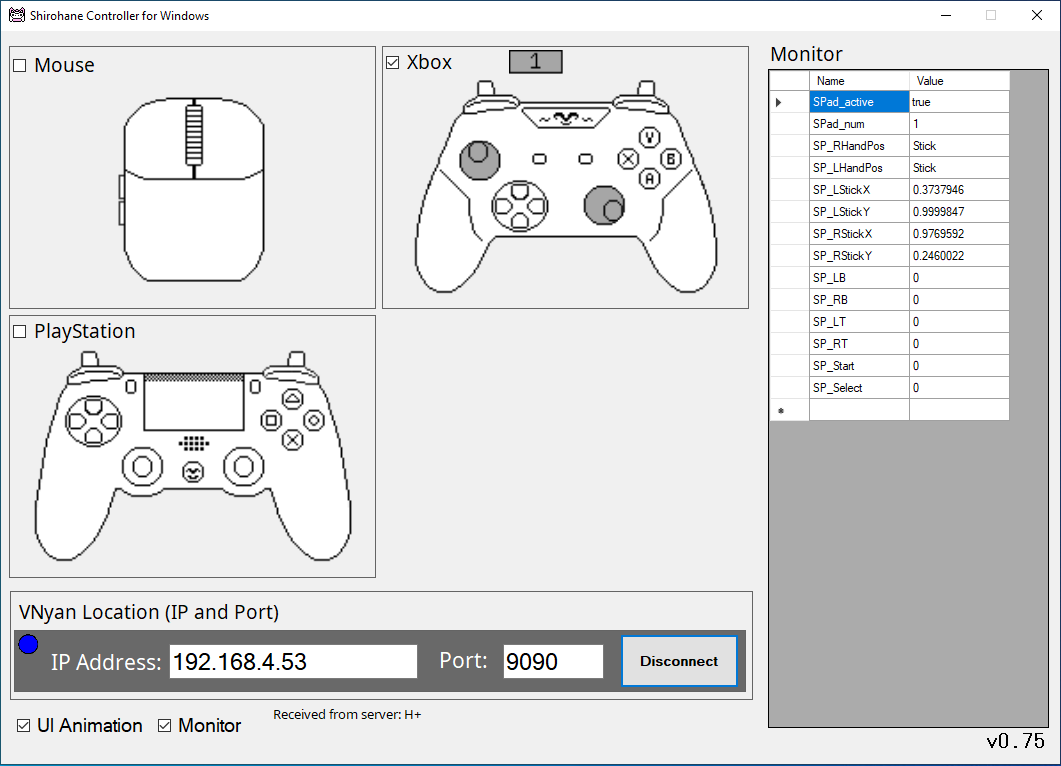
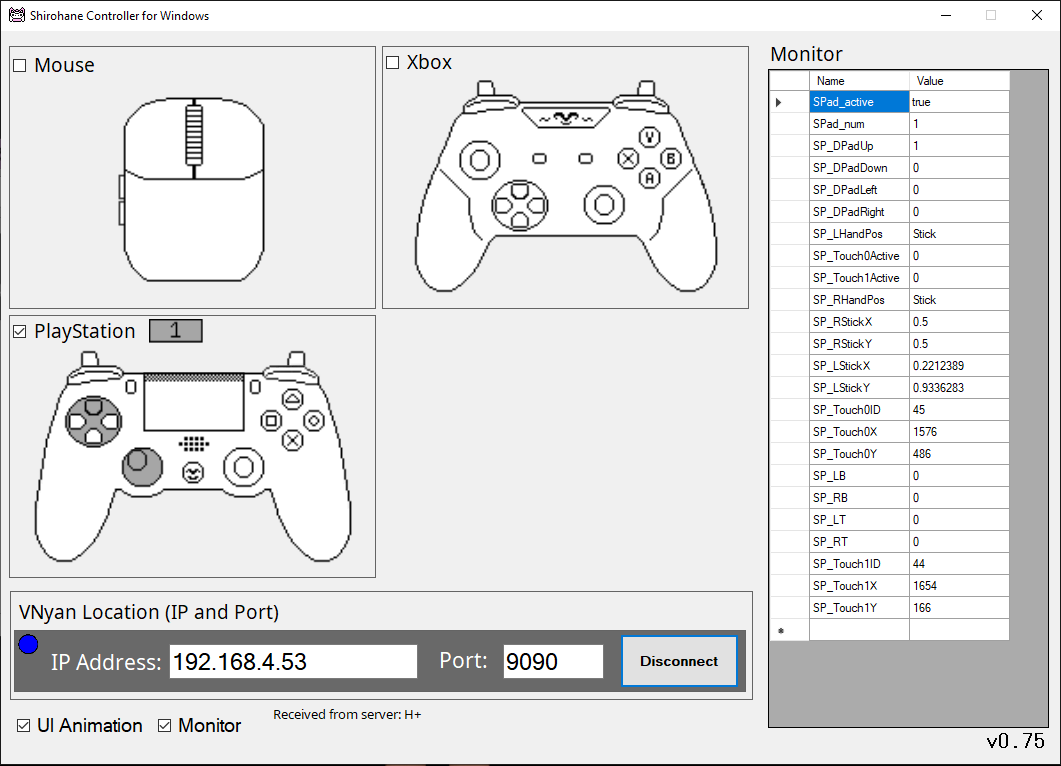
- Compatible with standard mice (up to 5 buttons - two buttons, scroll wheel and two side buttons), XInput and wired PS4/PS5 controllers.
- If multiple controllers are connected to your gaming PC, choose which player's input you wish to send to VNyan.
- Switch Pro or Generic Controllers are supported via ds4windows.
Purchase
In order to download this tool you must purchase it at or above the minimum price of $3 USD. You will get access to the following files:
Development log
Comments
Log in with itch.io to leave a comment.
I love the controller plugin for vnyan, but I've been having a bit of trouble getting this to work reliably. It connects and works for a bit with some rather severe lag, and then it just disconnects and wont reconnect. Both computers have windows firewall disabled so its definitely not that. Any thoughts on how to resolve this would he much appreciated.
From what you wrote, the lag could be causing the issue. If the app is connecting to vNyan correctly, it could be timing out due to not receiving a response message in time, then the vNyan Receiver closes the client connection causing the disconnect.
I will need more information to try to diagnose the exact issue. What does the debug.log say?
Can you also try running the "Shirohane's Controller for Windows" application on the same machine as vNyan? Connect using the IP address displayed on the vNyan receiver tab (or the loop-back address - 127.0.0.1, port 9090) and check if the data being sent and received and the lag is not being caused by a firewall or network issue.
If you can, please join the Suvi's discord server http://suvidriel.com/, I can provide better support in the "Suvi's Apps > vnyan > [0.7] Shirohane's Controller (and Mouse) Plugin" thread, you can also post the debug.log file for me to take a look at.