Shirohane's Controller Plugin for VNyan
A downloadable mod
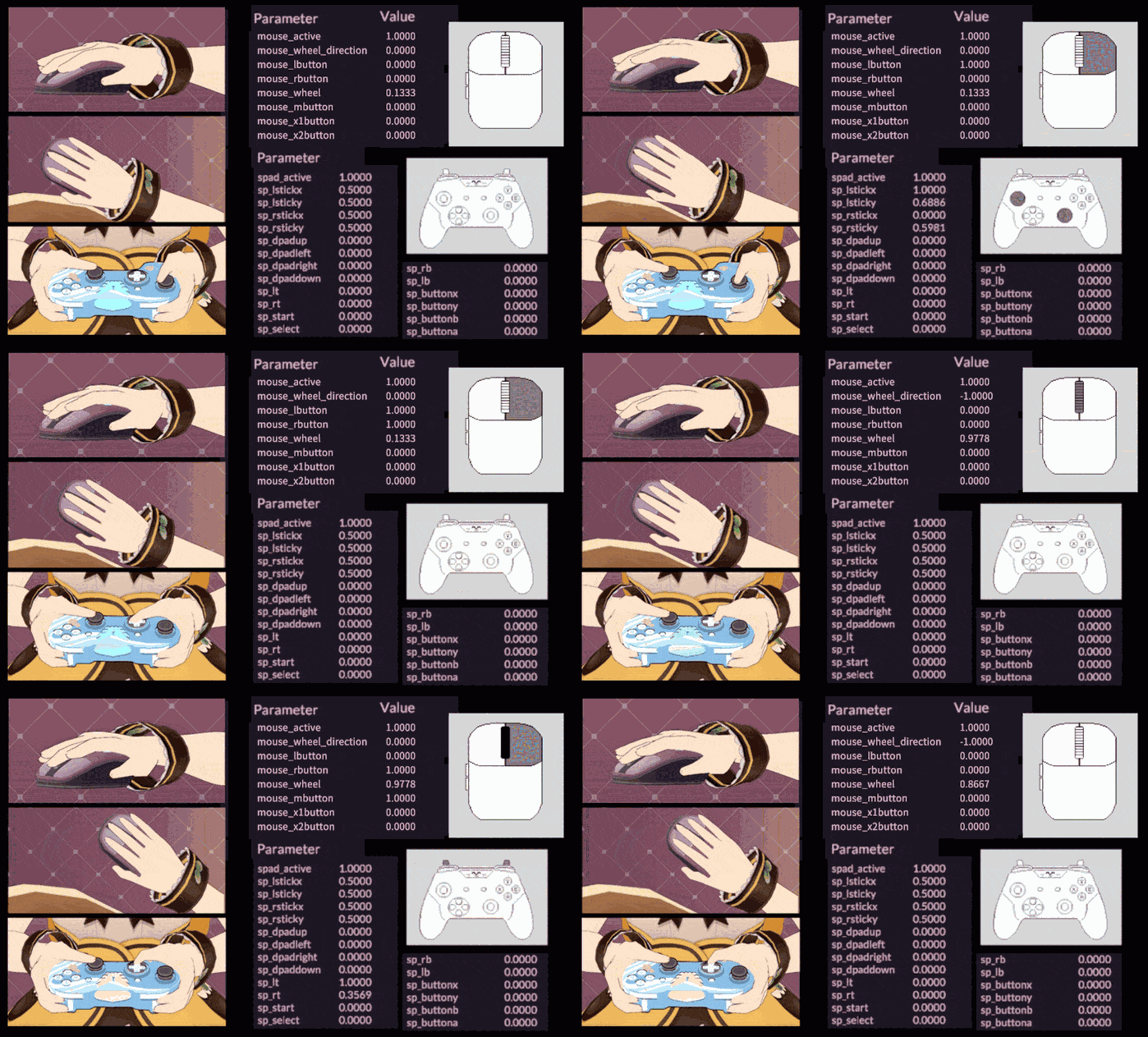
Shirohane's Controller plugin adds custom input parameters to VNyan for connected mouse and controllers. By installing and activating the plugin, VNyan exposes a wide range of custom input parameters making its possible for realistic controller and mouse inputs to be reflected by your vtuber avatar.
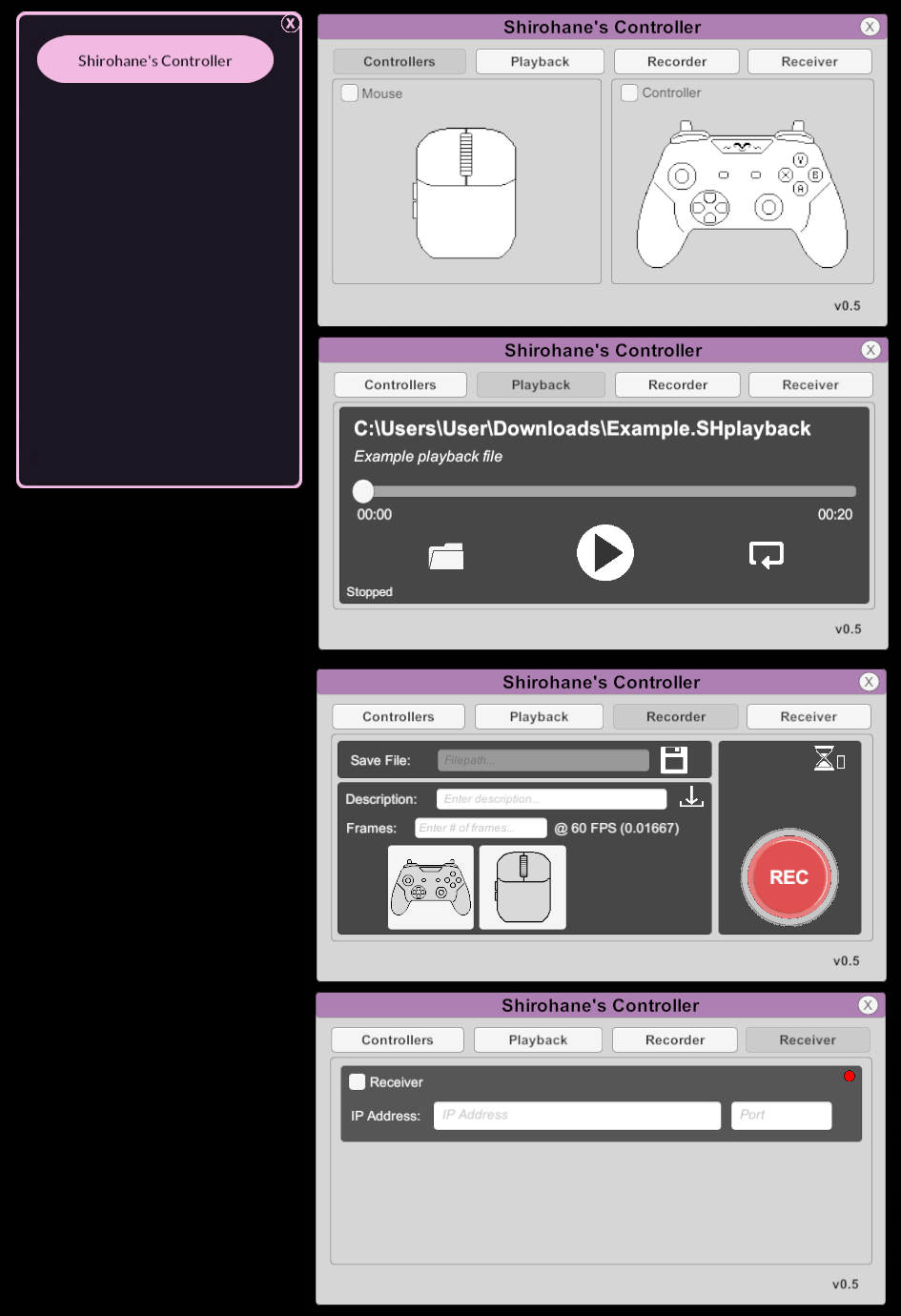
The Shirohane's Controller plugin implements VNyan parameter recording and playback. Combined with the provided nodes graphs, this allows you to create looping controller and mouse movements . This is useful for dual PC-Console streaming setups where controller input is not sent to VNyan but you still want your 3d avatar to have the appearance of using a mouse or controller.
Transfer controller and mouse data across a local network to your VNyan installation using the Shirohane Controller receiver. This allows support for dual PC streaming setups with one computer dedicated to gaming, and the other to streaming/video encoding (running OBS and VNyan). Compatible with the "Shirohane Controller for Windows" application (sold separately), or build your own compatible client application (instructions provided in the development manual).
The base plugin package includes:
- The Shirohane Controller plugin
- An animated mouse prop
- An animated game-pad prop
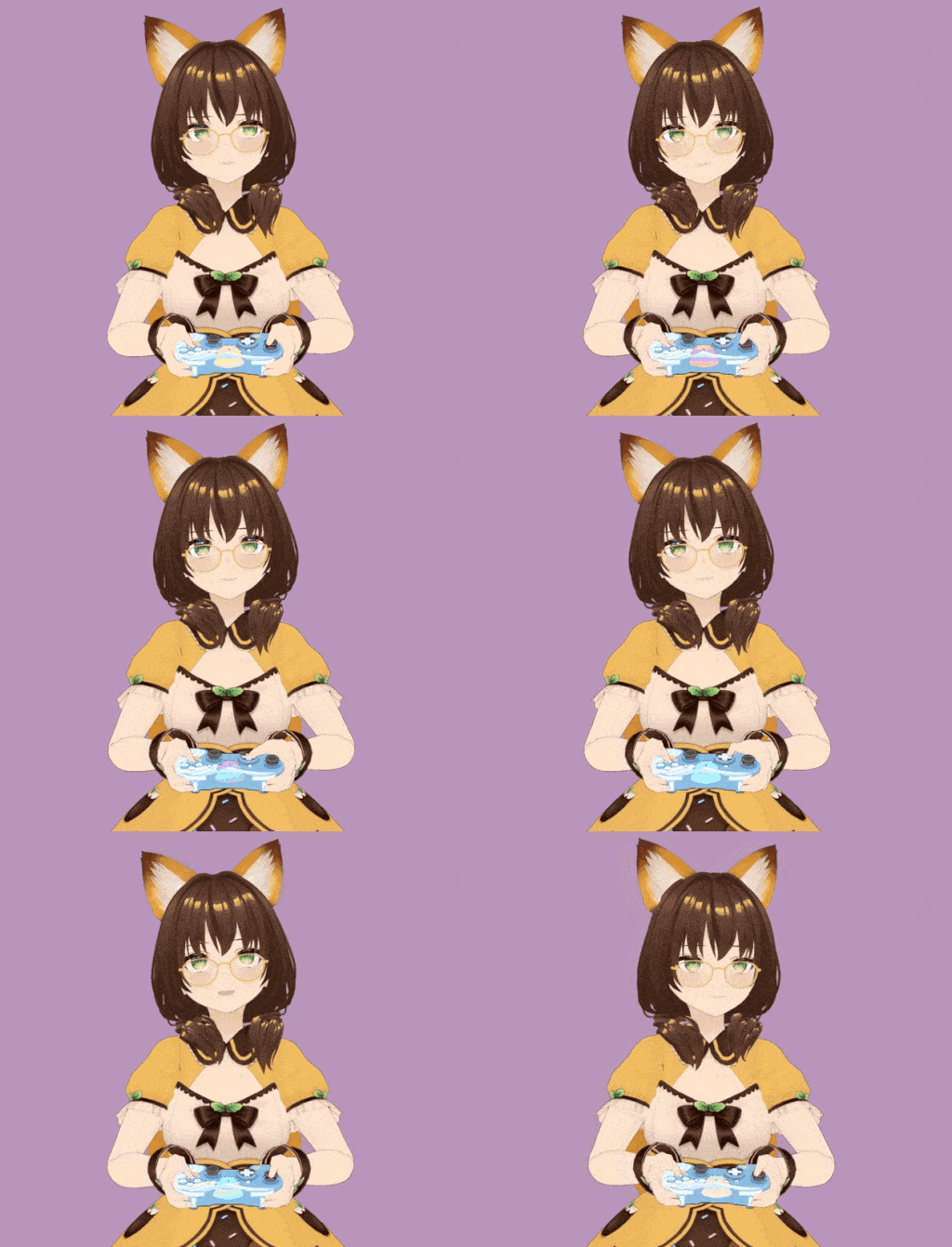
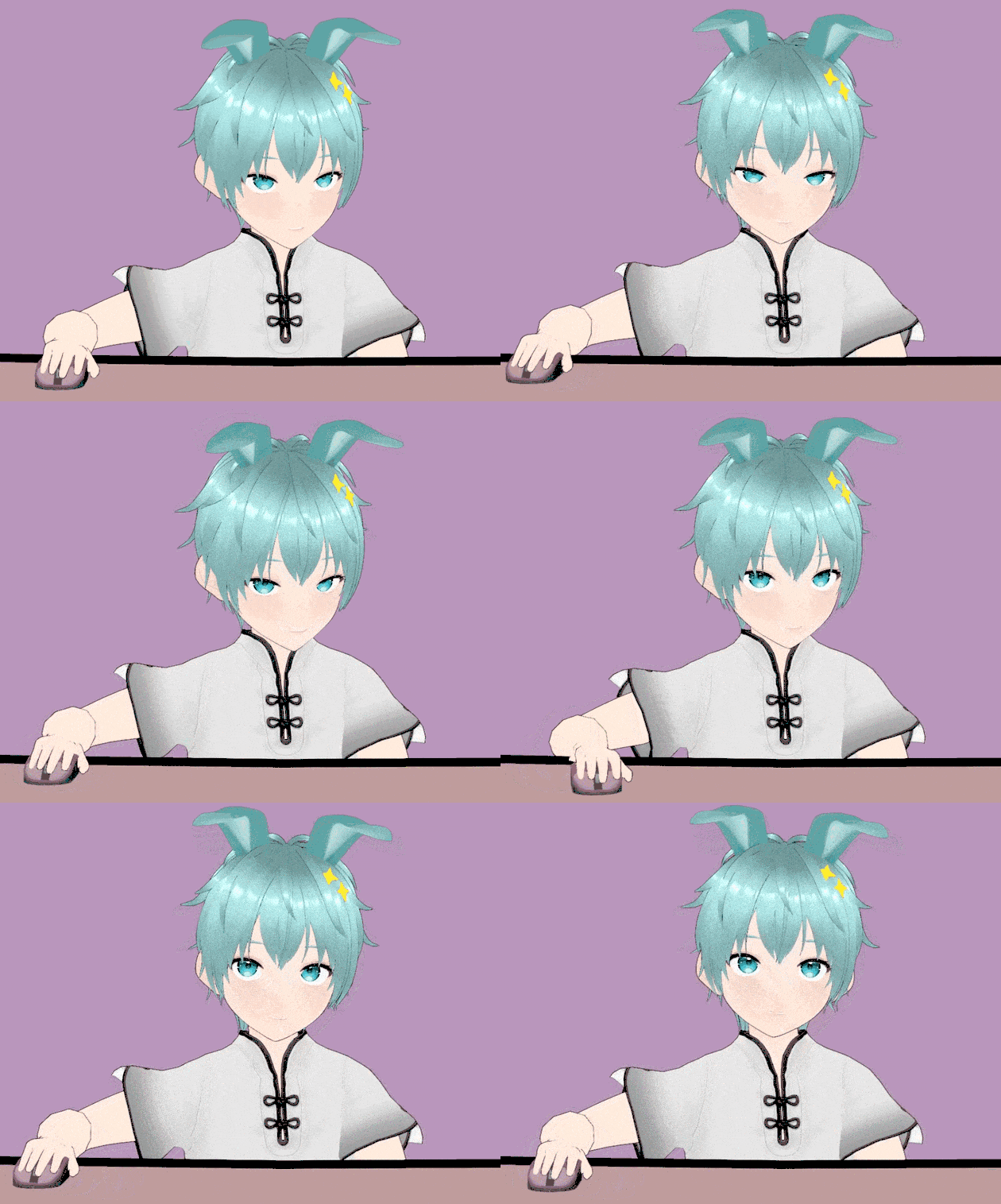
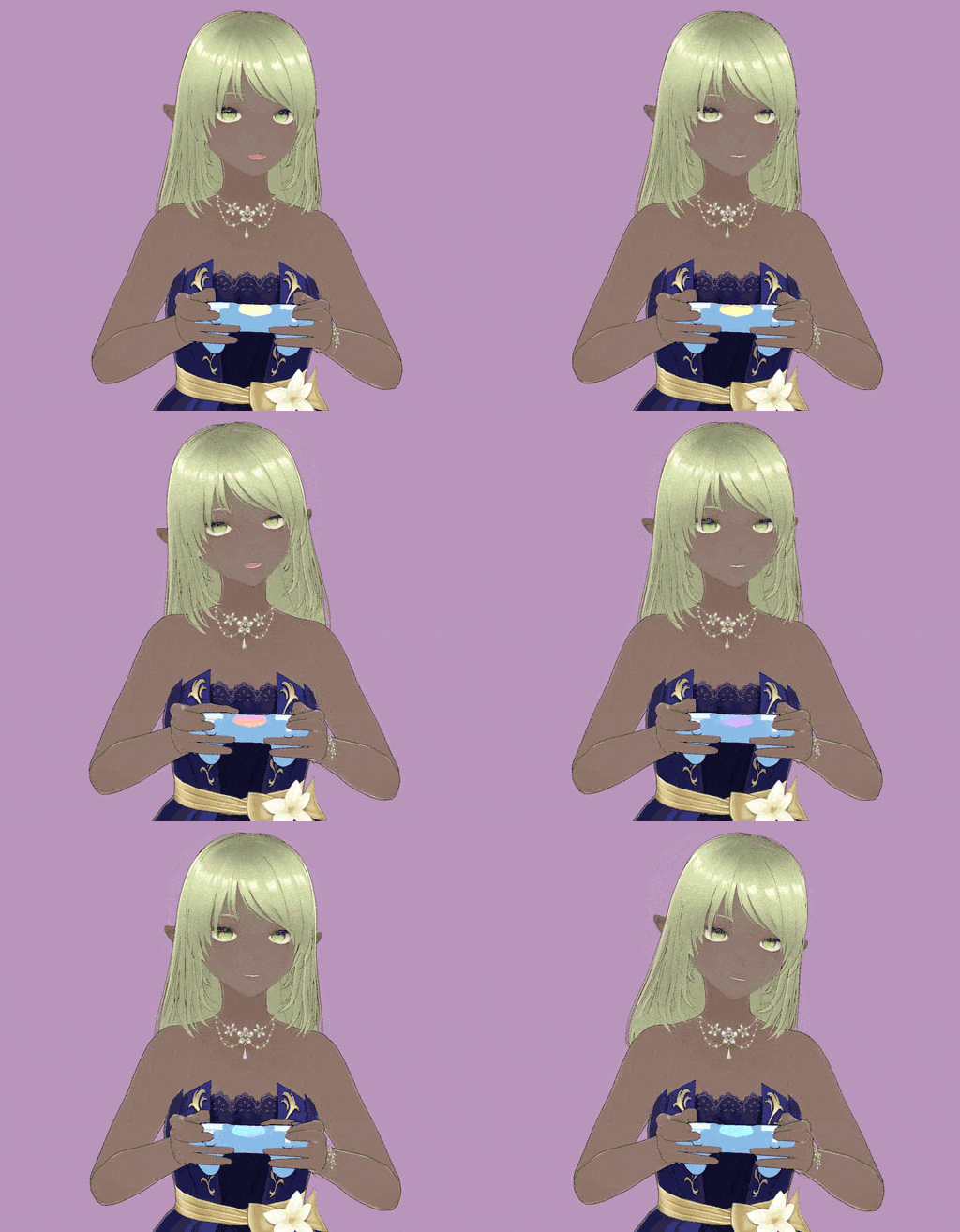
- Three example vroid (vsfavatar) avatars
- Standing and sitting poses
- Animations customizable via node graphs
- Modifiable Controller and Mouse prop via Unity Package
- Support for SH_playback files allowing for recording and playback of VNyan parameters
- Support for dual PC steaming setups using the "Shirohane Controller Receiver" , compatible with the "Shirohane Controller for Windows" application (sold separately)
Highlights:
- Compatible with standard mice (up to 5 buttons - two buttons, scroll wheel and two side buttons) and XInput controllers.
- PlayStation, Switch Pro or Generic Controllers are supported via ds4windows.
- Compatible with a wide variety of humanoid avatars. Through VNyan: adjustments can be made to props (scale, rotation and position), as well as animations (shoulders, arms, hand and fingers bone rotations). Giving you full control over the controller or mouse configuration process
- Support for PC->Console dual streaming setups: using VNyan parameter recording and playback.
- Support for PC->PC dual streaming setups: using VNyan remote receiver.
- Support for three separate configurations allows for a unique controller and mouse to be fitted to each avatar which can then be swapped between.
Purchase
In order to download this mod you must purchase it at or above the minimum price of $4.99 USD. You will get access to the following files:
Development log
Comments
Log in with itch.io to leave a comment.
Took me a little bit to understand how to get it to work (im a lil stoopid) but this is EXACTLY what i was looking for, thank you so so much for making this, the other program i was using that had this functionality didnt have a way to configure blendshapes to activate expressions like you can in vnyan, idk if you'd been keen on adding a playstation 4/5 style controller with the touchpad in the future but that would make this quite literally perfection. biggest cheers
Thanks for the feedback and support.
I am still hard at work with the next major (v0.6) plugin release which replaces the node graphs and props with a separate "Controller Animator" plugin and corresponding graphical interface. This will make the plugin even easier to install, customize and use. I can't wait to show off what I have been cooking up.
Additional controller styles are planned for future updates. Regarding PS4/5 controller support, I will first have to investigate what can be done to get the touch-pad information into VNyan.
Very good program i quite enjoy it tho i do wish insted of having to set a number to move the arms and ect there was sliders cause does numbers causes me so much pain having to adjust each finger and all that but other then that it's a very good program and i enjoyed using it
(did not enjoy setting it up LMAO)
I am glad the plugin is working for you, even with the setup being a hassle.
I am currently in the process of planing the next update (v0.6), which will aim to simplify the setup and install procedure. I will take your feedback into account for the next version and aim to make the plugin even better.
This is a really well made plugin and I even got it to work with my fight stick, however I am having problems getting the bumper and trigger to be recognized in the graphs as they are just buttons on the stick. I would appreciate any help getting it working.
I am glad the plugin is working, a fightstick is a controller input I did not test. I was able to get the bumper and triggers working on my "Mad Catz Street Fighter V Arcade FightStick".
As the triggers are mapped to buttons on a fightstick instead of a trigger like in a controller, the plugin will return either 0 and 1 depending on if the button is being pressed.
Could you check if the sp_lb, sp_rb and sp_lt, sp_rt parameters are appearing in your VNyan monitor?